> ## Documentation Index
> Fetch the complete documentation index at: https://docs.kobble.io/llms.txt
> Use this file to discover all available pages before exploring further.
# Deno
> Learn how to integrate Kobble using our Deno SDK.
## Install
To install the Deno SDK you only have to import it from deno.land.
```typescript theme={null}
import { Kobble } from 'https://deno.land/x/kobble_admin@v2.0.0/index.ts';
```
Make sure to install the latest version of the SDK.
```bash theme={null}
npm install @kobbleio/admin
```
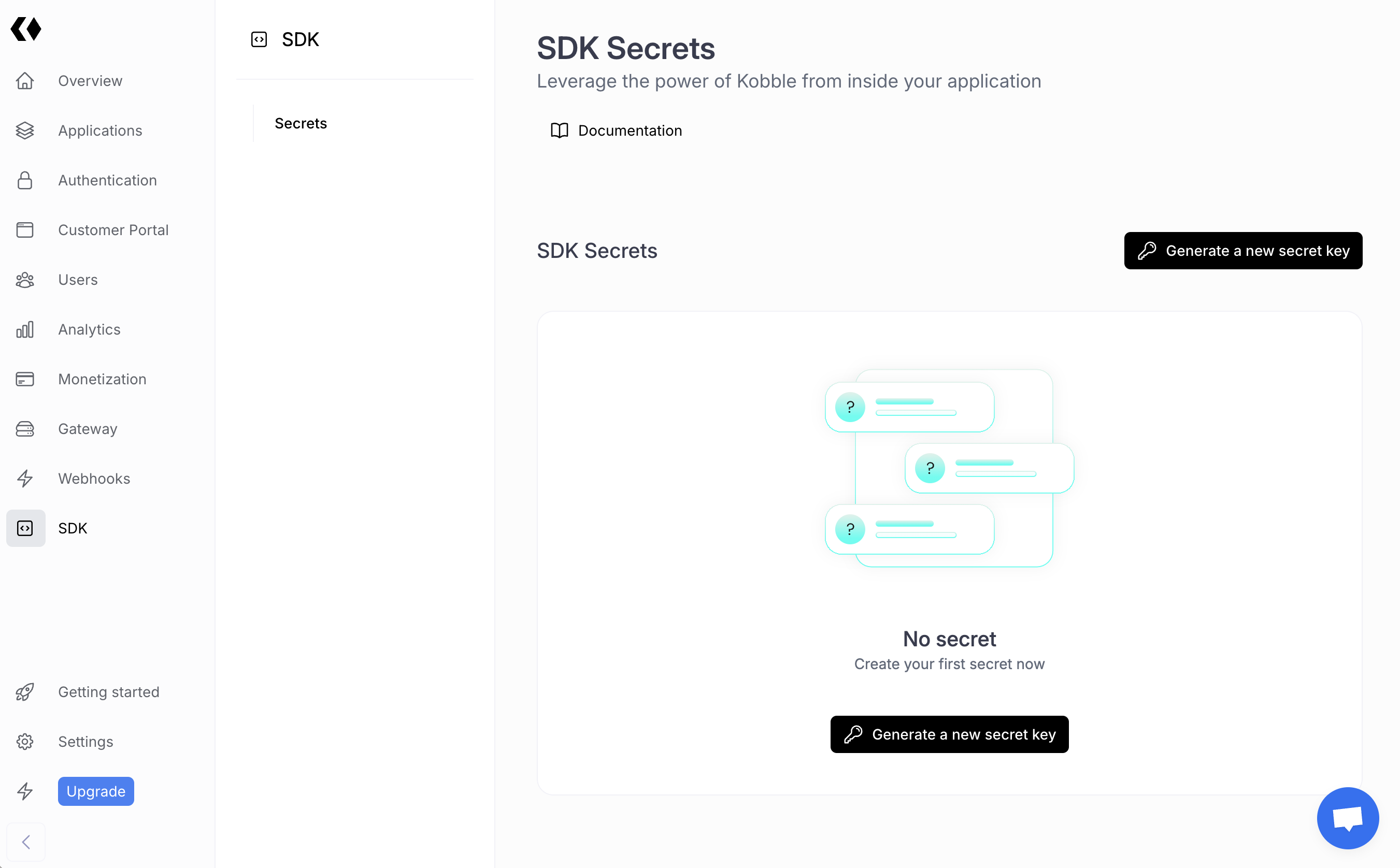
## Get your secret key
You can obtain your secret key from [your dashboard](https://app.kobble.io/p/project/admin-sdk).
 ## Test your integration
```typescript theme={null}
import { Kobble } from 'https://deno.land/x/kobble_admin@v2.0.0/index.ts';
const main = async () => {
const kobble = new Kobble('YOUR_SECRET_KEY');
const whoami = await kobble.whoami();
console.log(whoami);
}
```
## Next steps
Deno and Node.js SDKs only differ in the way you import them. You can follow the [Node.js SDK guide](/libraries/admin-sdk/node) to learn how to use the SDK.
## Test your integration
```typescript theme={null}
import { Kobble } from 'https://deno.land/x/kobble_admin@v2.0.0/index.ts';
const main = async () => {
const kobble = new Kobble('YOUR_SECRET_KEY');
const whoami = await kobble.whoami();
console.log(whoami);
}
```
## Next steps
Deno and Node.js SDKs only differ in the way you import them. You can follow the [Node.js SDK guide](/libraries/admin-sdk/node) to learn how to use the SDK.