> ## Documentation Index
> Fetch the complete documentation index at: https://docs.kobble.io/llms.txt
> Use this file to discover all available pages before exploring further.
# Portal Branding
> You can customize the look and feel of your customer portal to match your brand.
This includes adding your logo and changing the color scheme.
To update your branding:
1. Open your Kobble dashboard and select Customer Portal in the left menu.
2. Select the [Branding tab](https://app.kobble.io/p/portal/branding).
3. Add your logo, favicon and colors.
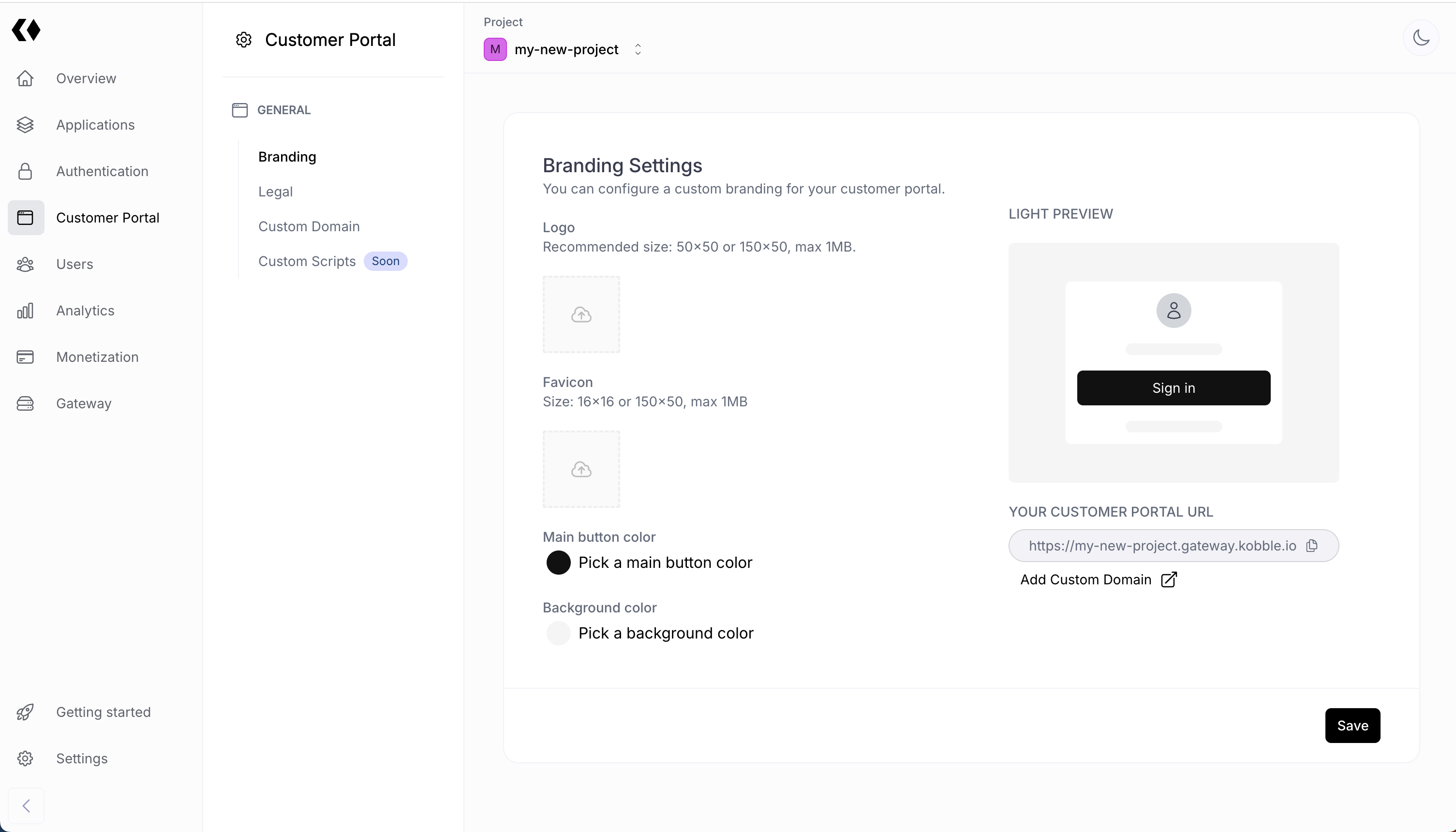 We voluntarily kept our branding system simple. We believe that a minimal configuration will lead to neater products.