> ## Documentation Index
> Fetch the complete documentation index at: https://docs.kobble.io/llms.txt
> Use this file to discover all available pages before exploring further.
# Overview
> The central platform for your users to sign up, log in, and manage their subscriptions.
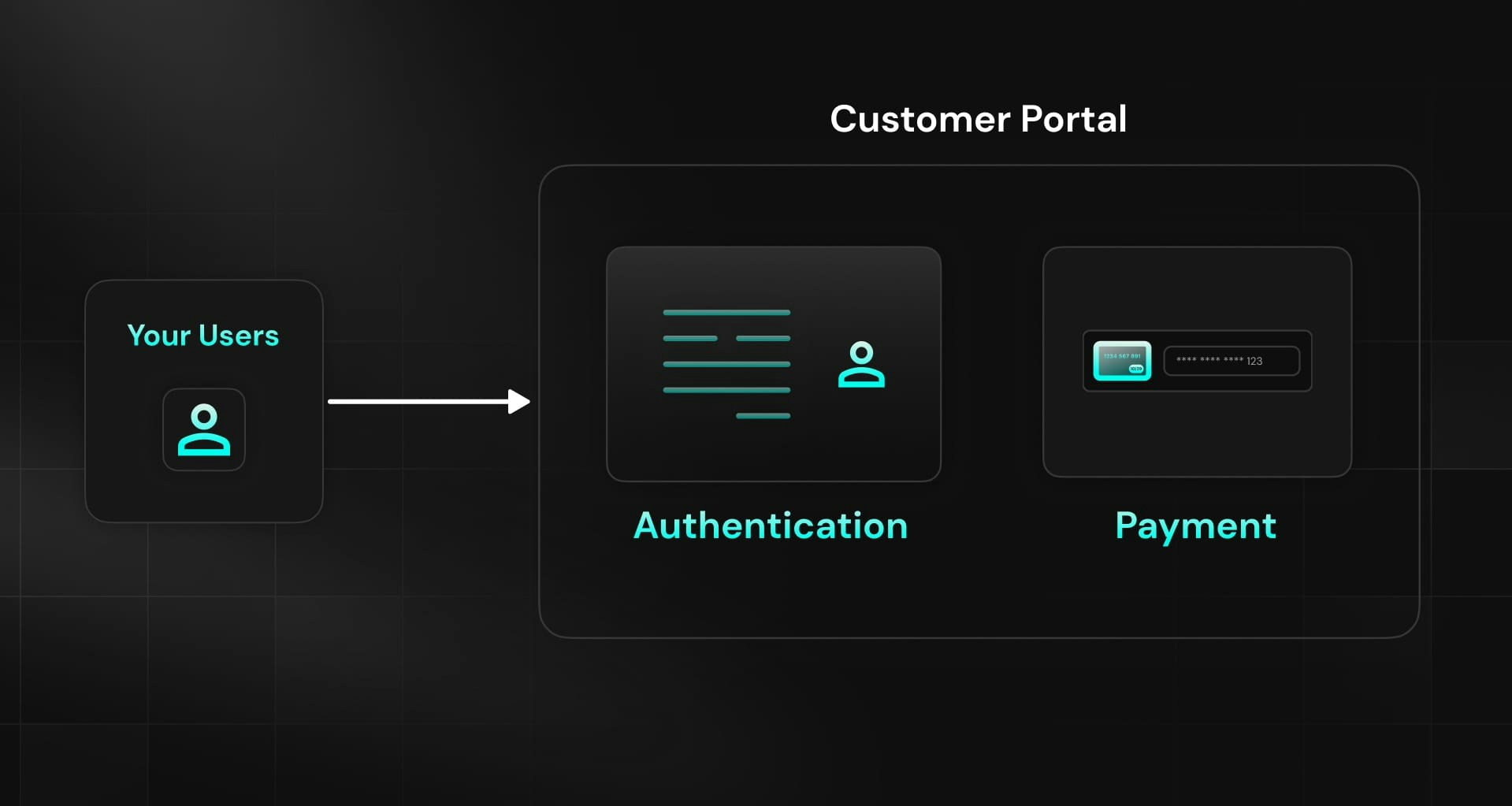 Designing an intuitive and user-friendly customer portal is key when building a SaaS. However, it's also a time-consuming and complex process that requires a lot of resources.
Kobble provides a built-in customer portal that allows your users to:
* Sign up or log in securely
* Explore pricing options, subscribe to services, and manage their subscriptions
* Access their profile, view invoices, and more
### How it works?
Our frontend SDKs allow you to redirect your users to the customer portal when needed (during the login process, for example).
The portal is hosted on a separate domain, which you can customize to match your brand's look and feel.
Then Kobble takes care of the rest, including:
* User authentication and session management
* Subscription management
* Stripe integration (you don't have to deal with Stripe's webhooks hell)
* Permission and Quota management
To guarantee that your customer portal functions flawlessly, it's crucial to set up an authentication method and define your pricing structure. The following sections will guide you through these essential steps.
Designing an intuitive and user-friendly customer portal is key when building a SaaS. However, it's also a time-consuming and complex process that requires a lot of resources.
Kobble provides a built-in customer portal that allows your users to:
* Sign up or log in securely
* Explore pricing options, subscribe to services, and manage their subscriptions
* Access their profile, view invoices, and more
### How it works?
Our frontend SDKs allow you to redirect your users to the customer portal when needed (during the login process, for example).
The portal is hosted on a separate domain, which you can customize to match your brand's look and feel.
Then Kobble takes care of the rest, including:
* User authentication and session management
* Subscription management
* Stripe integration (you don't have to deal with Stripe's webhooks hell)
* Permission and Quota management
To guarantee that your customer portal functions flawlessly, it's crucial to set up an authentication method and define your pricing structure. The following sections will guide you through these essential steps.